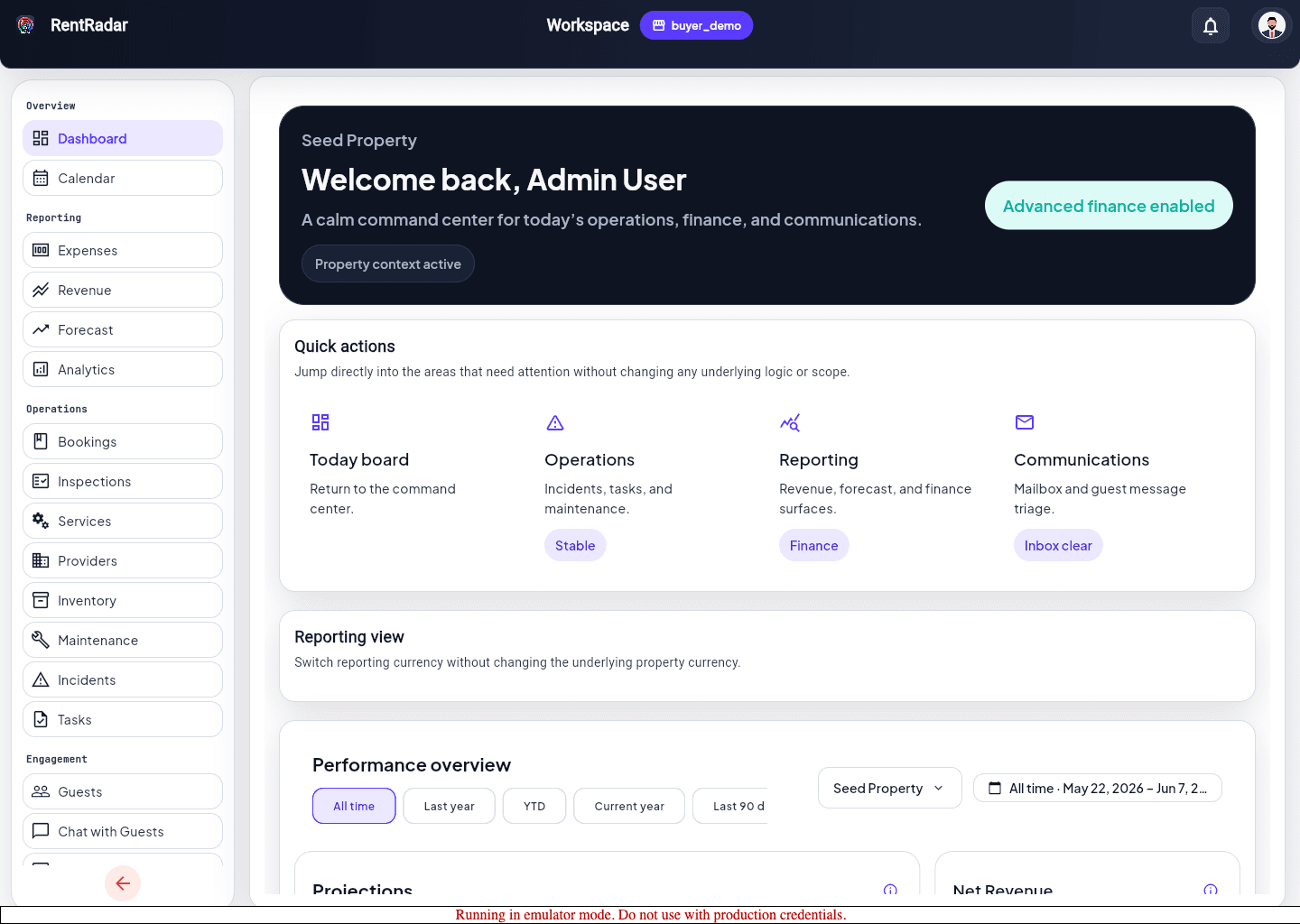
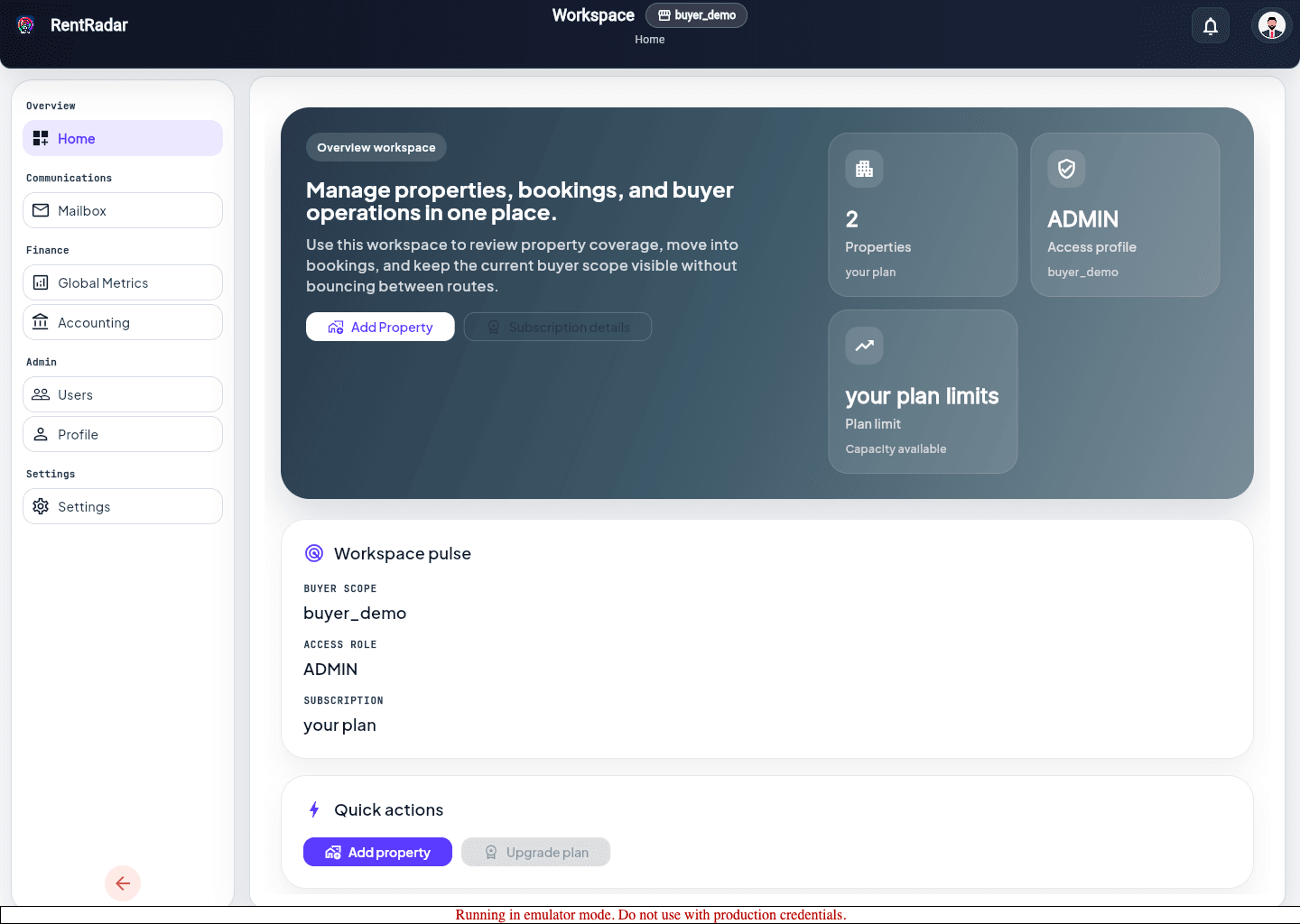
Select the active scope
- 1
Open the landing page or the selector shown after sign-in.
- 2
Review the available properties inside the active workspace.
- 3
Choose the property you need for today’s work.
- 4
Confirm the property badge or header context before opening the next page.
Move into work only after scope is stable
- Open Dashboard, Tasks, Maintenance, Inventory, or Bookings only after property scope is saved.
- If another page redirects you back to selection, finish selection there instead of retrying the same route repeatedly.
- Treat a repeated redirect as a sign the app still lacks a required buyer or property value.