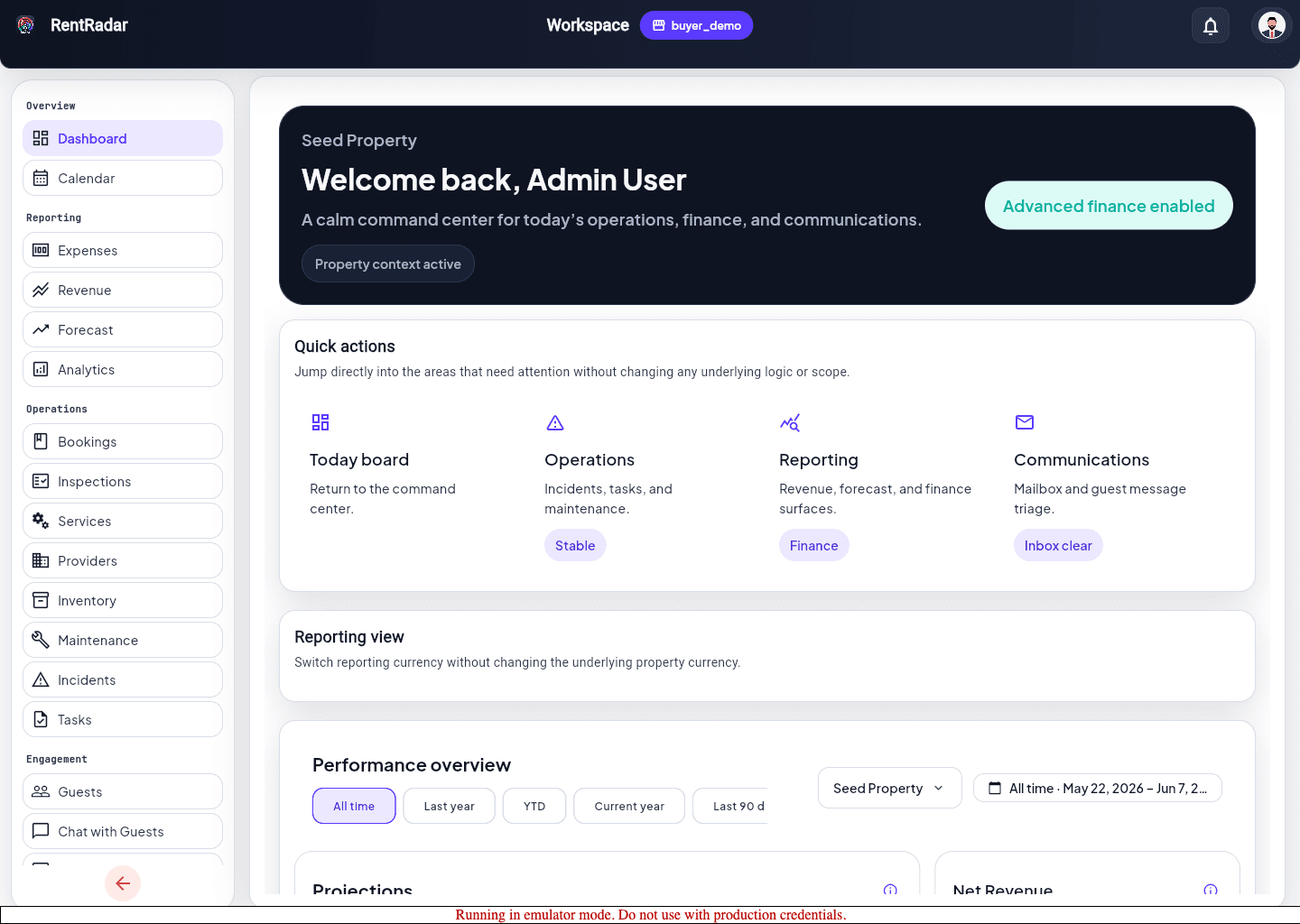
Run the daily review
- 1
Open Dashboard from the main navigation.
- 2
Scan the KPI and summary cards first.
- 3
Review the visible booking and revenue widgets for the active property.
- 4
Open Calendar to confirm upcoming arrivals, departures, and same-day turns.
- 5
Move into Bookings when you need record-level detail.
Turn dashboard signals into action
- Use cards, banners, and badges as the day’s routing layer.
- Move straight into tasks or incidents when the dashboard already tells you the next blocker.
- Expect finance visibility to differ by role and workspace policy.